WiFi Radar
See the Wi-Fi around you.
$ composer require all1web/nativephp-wifi-scan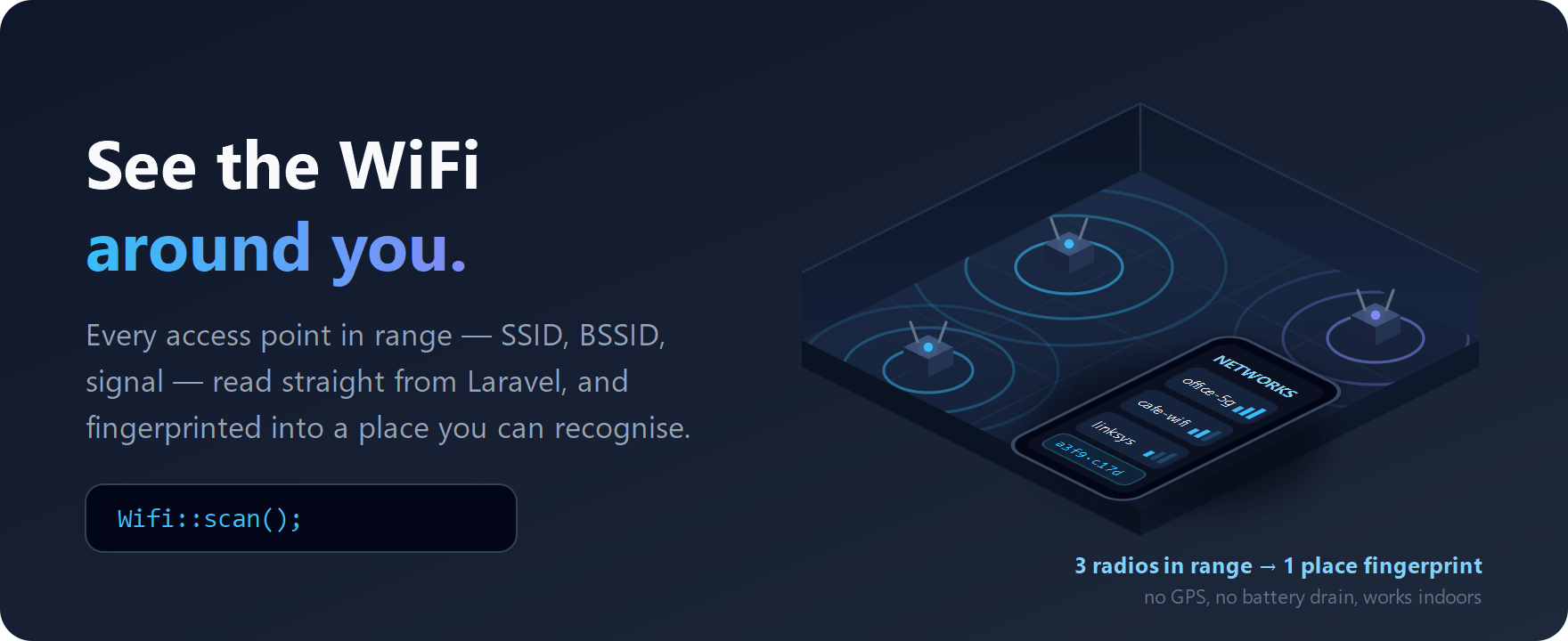
Every access point in range — SSID, BSSID, signal — read straight from Laravel, and fingerprinted into a place you can recognise. No GPS, no battery drain, works indoors.
- SSID, BSSID and signal strength for every radio in range
- Fingerprint a set of radios into a recognisable place
- Indoor positioning without GPS or its battery cost
Documentation
📡 WiFi Radar
See the WiFi around you — from PHP. Free and MIT-licensed.

Scan the visible access points, read the one you're connected to, and turn what the radio can see into a stable fingerprint of where the phone is. All of it from Laravel, with no Kotlin.
$networks = Wifi::scan();    // every AP in range: ssid, bssid, rssi, frequency
$here     = Wifi::current(); // the AP you're actually on

This is not the same as knowing you're "on WiFi." The first-party
nativephp/mobile-networkplugin tells you whether the connection is wifi or cellular — four booleans and a type string. It cannot tell you which network, how strong it is, or what else is in the air. Android exposes all of that to native apps and it has never been reachable from PHP. WiFi Radar is that capability, delivered to your Laravel code.
⚠️ Read this before you install
Three things will decide whether this plugin works for you. None of them are bugs — they're what the platform allows — but each one surprises somebody every week, so they're stated up front rather than buried:
| 🤖 Android only. | There is no public iOS API that lists WiFi networks. Not a hard one — none. Your iOS build compiles fine and every call returns empty. Why |
| 📵 Emulators return nothing. | No WiFi radio. You need a physical Android device to see a single result. |
| 🔐 Two switches, not one. | A granted permission is not enough — device Location must also be ON, or Android hands back an empty list with no error. Why |
If something doesn't work, run this first — it diagnoses all three and more:
php artisan wifi-scan:doctor
Then: TROUBLESHOOTING.md (symptom → cause → fix for every known failure) and FAQ.md. Between them they cover essentially every question this plugin generates. Please read them before opening an issue — it saves us both a round trip.
✨ What you get
- 📶 The full list of nearby access points — SSID, BSSID, signal strength in dBm, and frequency, strongest first, as tidy PHP objects.
- 📍 The connected AP, including its BSSID — the identifier that actually stays put when SSIDs collide or get renamed.
- 🧭 Place fingerprinting built in. A pure, device-free helper turns a scan into an order-independent hash and scores two observations for similarity, so your backend can answer "is this the same place as last time?"
- ⚡ Events for completed scans, failed scans, and permission outcomes.
- 🔐 The permission split handled for you —
NEARBY_WIFI_DEVICESon Android 13+,ACCESS_FINE_LOCATIONbelow it, plus the location-services check that trips up everyone who only asks for the permission. - 🐘 Honest async semantics. Android never returns scan results
synchronously, so
scan()hands you the cached list instantly and the fresh one arrives by event. No fake blocking call, no silent empty arrays. - 🩺
php artisan wifi-scan:doctor— diagnoses your whole setup and prints the exact fix for each broken link. - 🧪 Off-device testable. The fingerprint math and the whole PHP layer run in your test suite with no phone attached; every call degrades to a safe empty value in a browser, in CI, and on iOS.
📦 Install
composer require all1web/nativephp-wifi-scan
Register the plugin (NativePHP plugins are opt-in for security) and rebuild:
php artisan native:plugin:register all1web/nativephp-wifi-scan
php artisan native:install android --force
php artisan native:run android
The rebuild is not optional. The WiFi permissions are merged into your app's
manifest at build time. Re-running an old build gives you an app with no
permissions and no results — this is the single most common "it doesn't work"
report. wifi-scan:doctor checks for exactly this.
Confirm your app/Providers/NativeServiceProvider.php lists the provider:
public function plugins(): array
{
    return [
        // ...existing plugins...
        \WifiScan\Mobile\WifiScanServiceProvider::class,
    ];
}
composer config repositories.wifi-scan path ../nativephp-wifi-scan
composer require "all1web/nativephp-wifi-scan:*@dev"
🧑💻 Use it
use WifiScan\Mobile\Facades\Wifi;
use WifiScan\Mobile\Enums\PermissionStatus;

// Ask once — the plugin picks the right permission for the Android version.
if (Wifi::checkPermission() !== PermissionStatus::Granted) {
    Wifi::requestPermission();
}

foreach (Wifi::scan() as $ap) {
    echo "{$ap->ssid} · {$ap->bssid} · {$ap->rssi} dBm";
}

$here = Wifi::current();   // ?AccessPoint — null when not associated
That's the whole integration. scan() returns the platform's last cached
list immediately so your screen has something to render right now; the fresh
scan lands a moment later as an event:
use Native\Mobile\Attributes\OnNative;
use WifiScan\Mobile\Events\NetworksScanned;

#[OnNative(NetworksScanned::class)]
public function onScan(array $networks, int $count)
{
    $fresh = (new NetworksScanned($networks, $count))->accessPoints();
}
Getting an empty list? Check both switches at once — this is the call that answers "why is it empty" without guessing:
$d = Wifi::permissionDetails();
// ['status' => PermissionStatus, 'requiredPermission' => ?string,
//  'locationServicesEnabled' => ?bool]   // ← the one people miss
Why it works this way — and every event, config key, and failure mode — is in the Reference.
Using JavaScript instead? (Inertia / Vue / React)
The same four calls ship as a JS module — alias it in Vite and use it straight from your components:
// vite.config.js → resolve.alias:
// '@wifi': '/vendor/all1web/nativephp-wifi-scan/resources/js/wifi.js'
import wifi from '@wifi';

const { networks, scanRequested } = await wifi.scan();  // networks: decoded array
const here = await wifi.current();
const perm = await wifi.checkPermission();  // includes locationServicesEnabled

document.addEventListener('native-event', (e) => {
  if (e.detail.event.endsWith('NetworksScanned')) refreshList();
});
Note the JS wrapper returns the raw native list — the include_hidden and
max_results config keys filter Wifi::scan() in PHP only.
📍 Knowing where you are, without GPS
The set of BSSIDs a phone can see is a strong, cheap signature of a place. It
beats GPS indoors, costs no battery, and — unlike SSIDs — the identifiers don't
collide across the thousand networks called linksys. WiFi Radar ships that as
a first-class primitive:
use WifiScan\Mobile\Support\BssidFingerprint;

// When the user says "this is the office":
$office = BssidFingerprint::hash(Wifi::scan());   // stable sha256, order-independent

// Later, anywhere:
$score = BssidFingerprint::similarity(Wifi::scan(), $knownOfficeScan);
if ($score >= 0.6) {
    // Same place. Radios come and go, so match on a threshold, not equality.
}
Nothing in the plugin talks to a server. The transport, the storage, the thresholds, and the privacy posture are yours — see Reference → Place fingerprinting for the full recipe including backend matching and threshold guidance, and Store review for what you must declare when you collect this.
📋 Requirements
- Laravel 11 or any later release (
illuminate/support >=11.0) - NativePHP Mobile
^3.0 || ^4.0 - PHP 8.2+
- Android 6.0+ (minSdk 23) — a physical device, not an emulator
- Runtime permission:
NEARBY_WIFI_DEVICES(Android 13+) orACCESS_FINE_LOCATION(older), plus location services switched on - No iOS support (why)
Version-pinning details, including the v4 RC alias: Reference → Version compatibility.
🔬 Digging deeper
| Doc | What's in it |
|---|---|
| 🩺 Troubleshooting | Every known failure: symptom → cause → fix. Start here. |
| ❓ FAQ | Every question we can predict, answered |
| Reference | Full API, events, config, fingerprint recipes, per-stack usage |
| Platform notes | Scan throttling, OEM quirks, MAC randomization, the iOS reality |
| Store review | What Google Play review and the Data safety form need from you |
| Design notes | Architecture, every decision and why |
| Device validation | The on-device test runbook, and what's verified so far |
| Changelog | Version history |
🛠️ Development
composer install
composer test
🔍 Under the hood
The fine print — everything below is why the five lines of PHP above just work.
⚙️ Engineering you don't have to think about: the scan path arms a
single-slot BroadcastReceiver for SCAN_RESULTS_AVAILABLE_ACTION — one
receiver ever, so repeated scan() calls can't stack listeners and fire
duplicate events when a broadcast finally lands. startScan() throttling (4
calls / 2 min in the foreground) is detected and reported as
scanRequested: false rather than swallowed, so your UI can tell "no refresh is
coming" from "no networks found." The platform's EXTRA_RESULTS_UPDATED flag is
honoured: when Android says the scan failed, you get a ScanFailed event
instead of the stale cache dressed up as fresh. SSID reads take the API-33
wifiSsid path with the legacy SSID fallback and strip the quoting Android
adds. The activity is held by a WeakReference and event dispatch degrades to a
no-op when the app isn't on screen instead of crashing.
🧪 Verified, not vibes: a Pest suite pins the bridge contract against
the shapes the installed NativePHP runtime actually returns — including that an
error envelope collapses to an empty result in every getter rather than leaking
"error" into your view — plus JSON-string marshalling, hidden-network
filtering, the result cap, permission mapping, event constructor-parameter names
(the runtime binds them by name), and every fingerprint property. All with no
device required. What still needs a phone is stated plainly in
Design notes → What is verified vs. what is not.
🏪 Review-honest by design: this plugin asks for a location-class permission, which means your app does have something to declare — and pretending otherwise is how listings get pulled. Store review tells you exactly what Google Play's Data safety form expects, what to write in your permission rationale, and why the fingerprint helper is the privacy-preserving way to ship this (hash on device, never store raw scans). Your AI pair-programmer gets first-class knowledge too: Laravel Boost guidelines ship in the box.
🤝 Support & contributing
Free plugin, maintained by ALL 1. Before opening
an issue please run php artisan wifi-scan:doctor and check
TROUBLESHOOTING.md — issues that skip both usually
turn out to be one of the three things at the top of this README.
Bug reports need the doctor output, your Android version, and your device model.
PRs welcome; run composer test first.
📜 License
MIT — free for commercial and personal use, no attribution required in your
app. See LICENSE.
Note: the plugin transmits nothing. If your app transmits or stores scan data, the consent and app-store disclosure obligations are yours — Store review explains exactly what those are.